



 Secure Sign-ins
We've implemented OAuth 2.0 – an industry-standard protocol utilised across iOS and Android platforms. With OAuth 2.0, you'll enjoy an enhanced sign-in experience, along with additional features such as access token scope and expiry. This update also addresses previous login issues.
 Apple Single Sign-On (SSO)
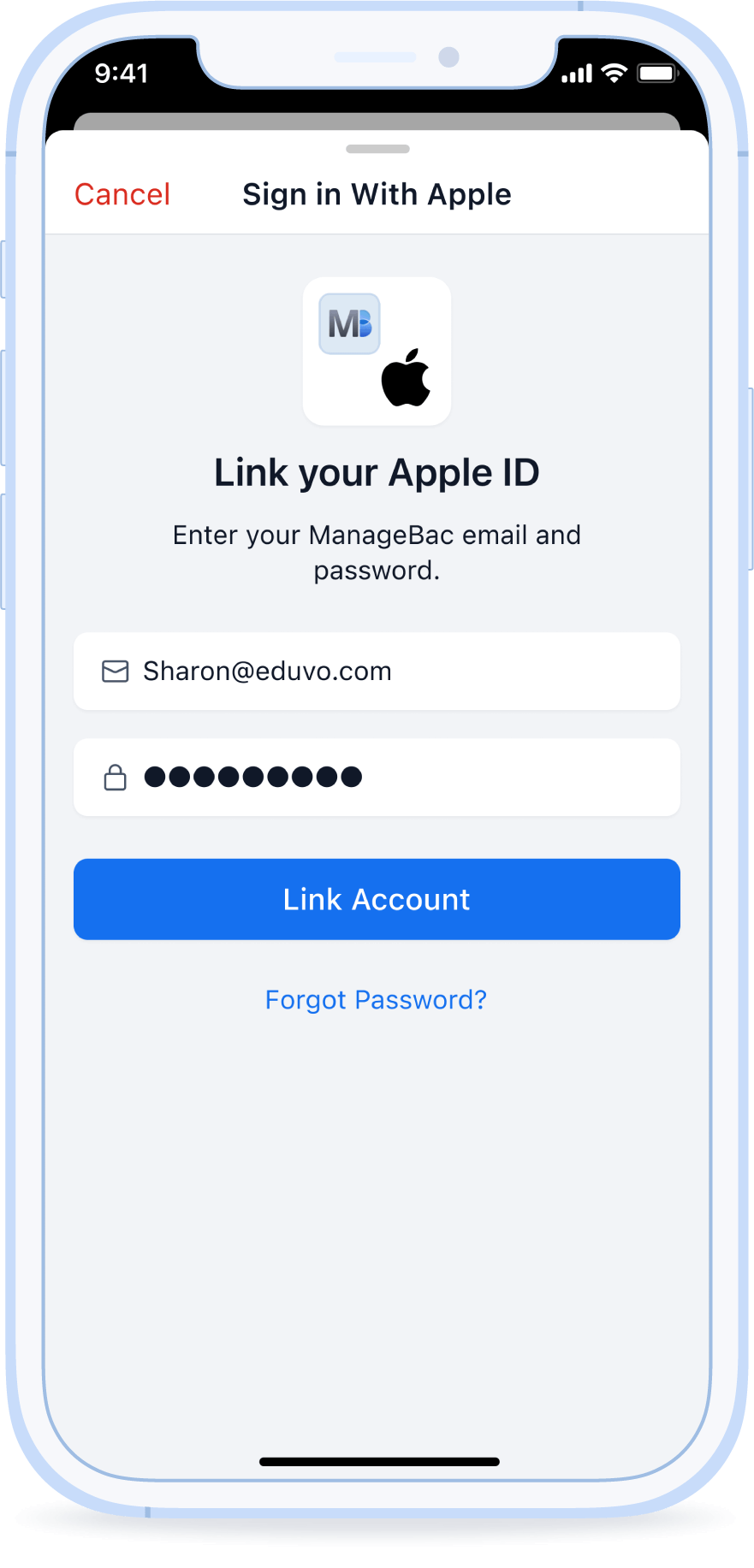
Now introducing Apple Single Sign-On (SSO), allowing you to quickly sign in using your Apple ID. Benefit from Apple’s biometric authentication features Face ID and Touch ID. Plus, enjoy the convenience of Apple SSO on your Android device too.
 Improved Connectivity
The newly introduced authentication update enhances stability, providing you with a seamless and uninterrupted experience by addressing unexpected logouts.
 Account Security Notifications
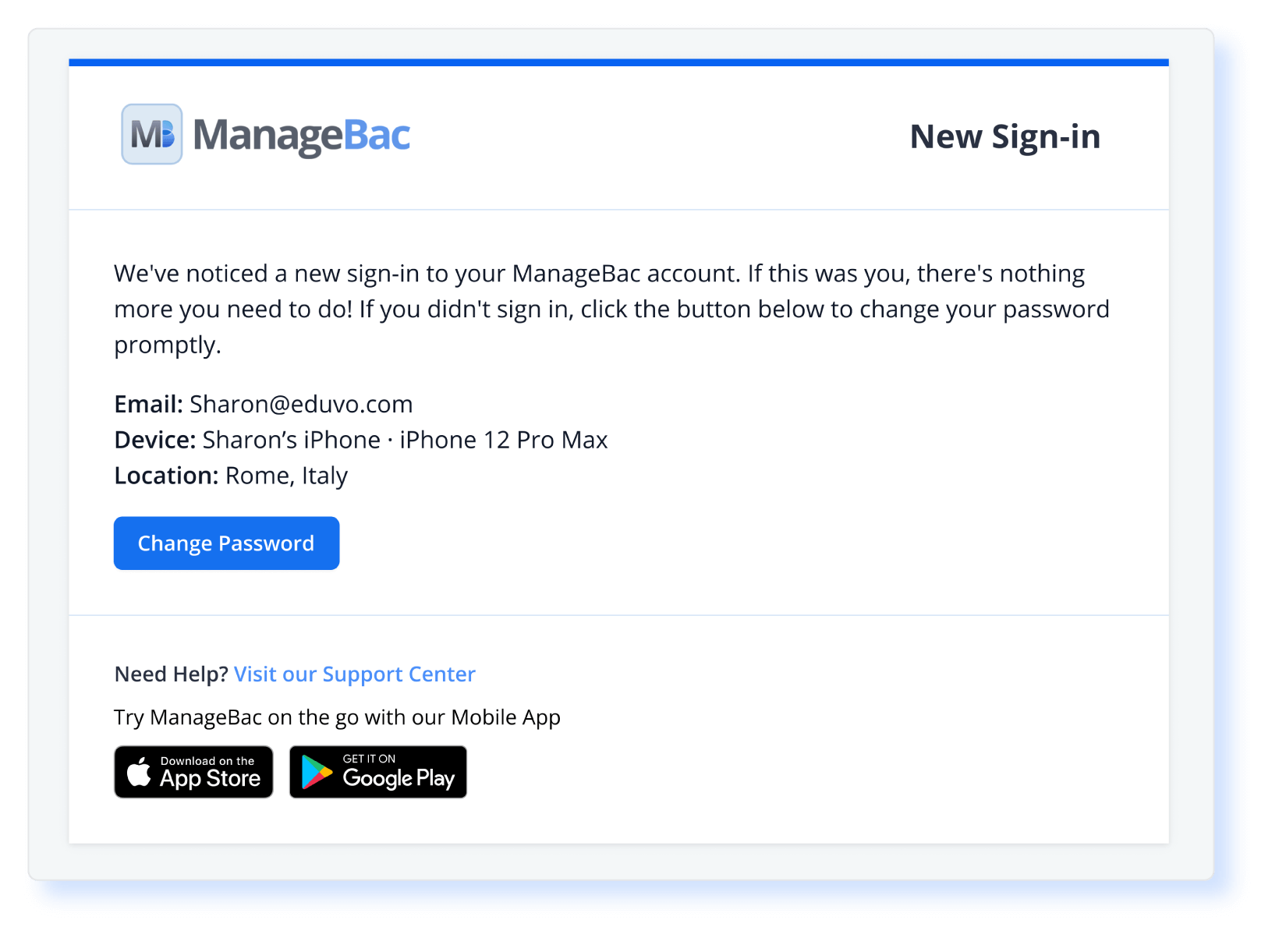
We're enhancing security for mobile app logins with our new "New Sign-in" email notification. This notification keeps you informed about any new sign-ins to your account, showing the device and location used. If you spot any unrecognised activity, you can quickly change your password for added peace of mind.
 iPad Split-Screen Views
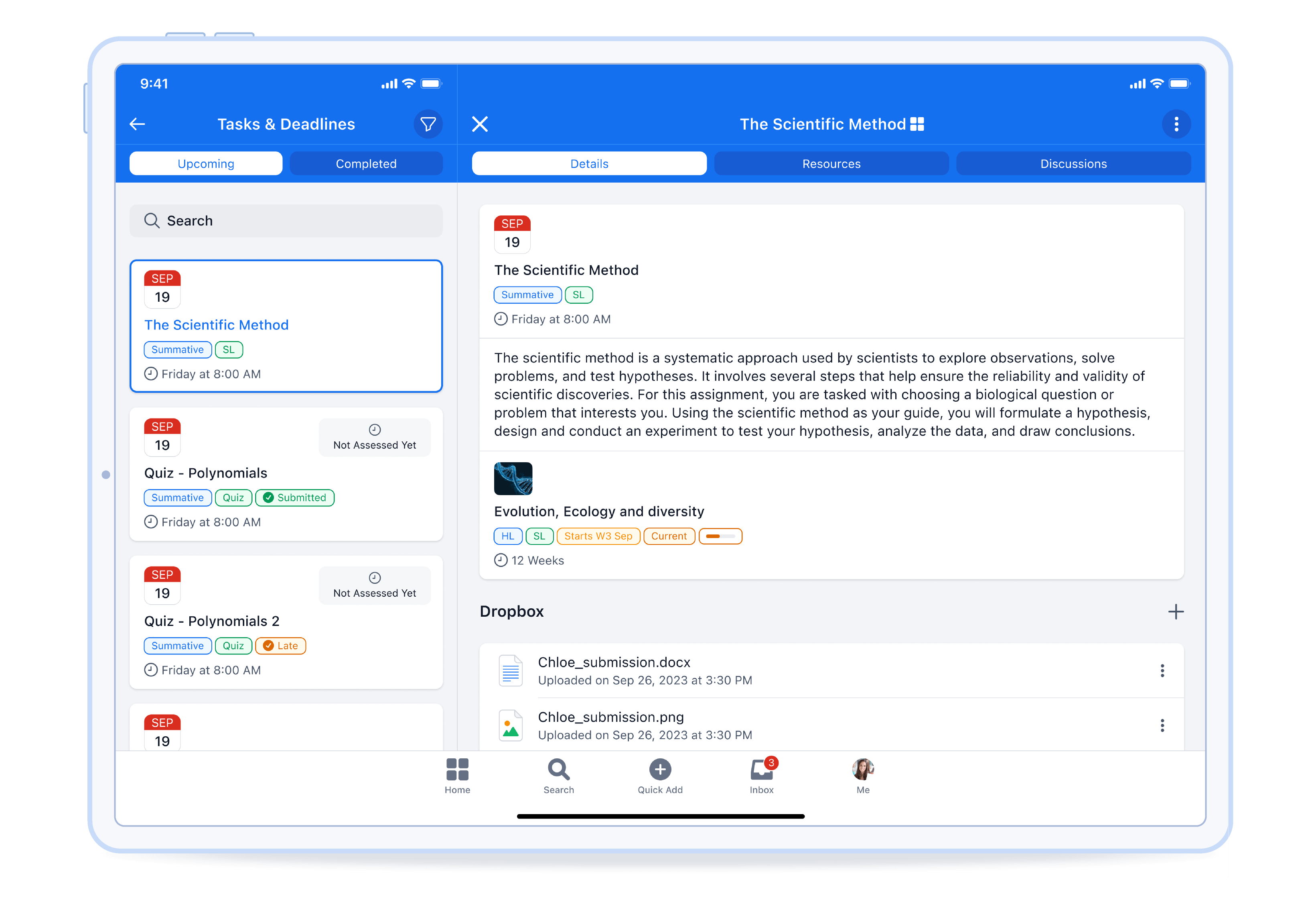
Our latest split-screen views enhance navigation and multitasking across ManageBac pages. With a two-pane design, effortlessly switch between views and access detailed information like Task & Deadline details and Unit Resources. Whether managing classes, engaging in chats, or tracking tasks and deadlines, the split-screen view ensures easy access to essential information.
 iOS File Sharing
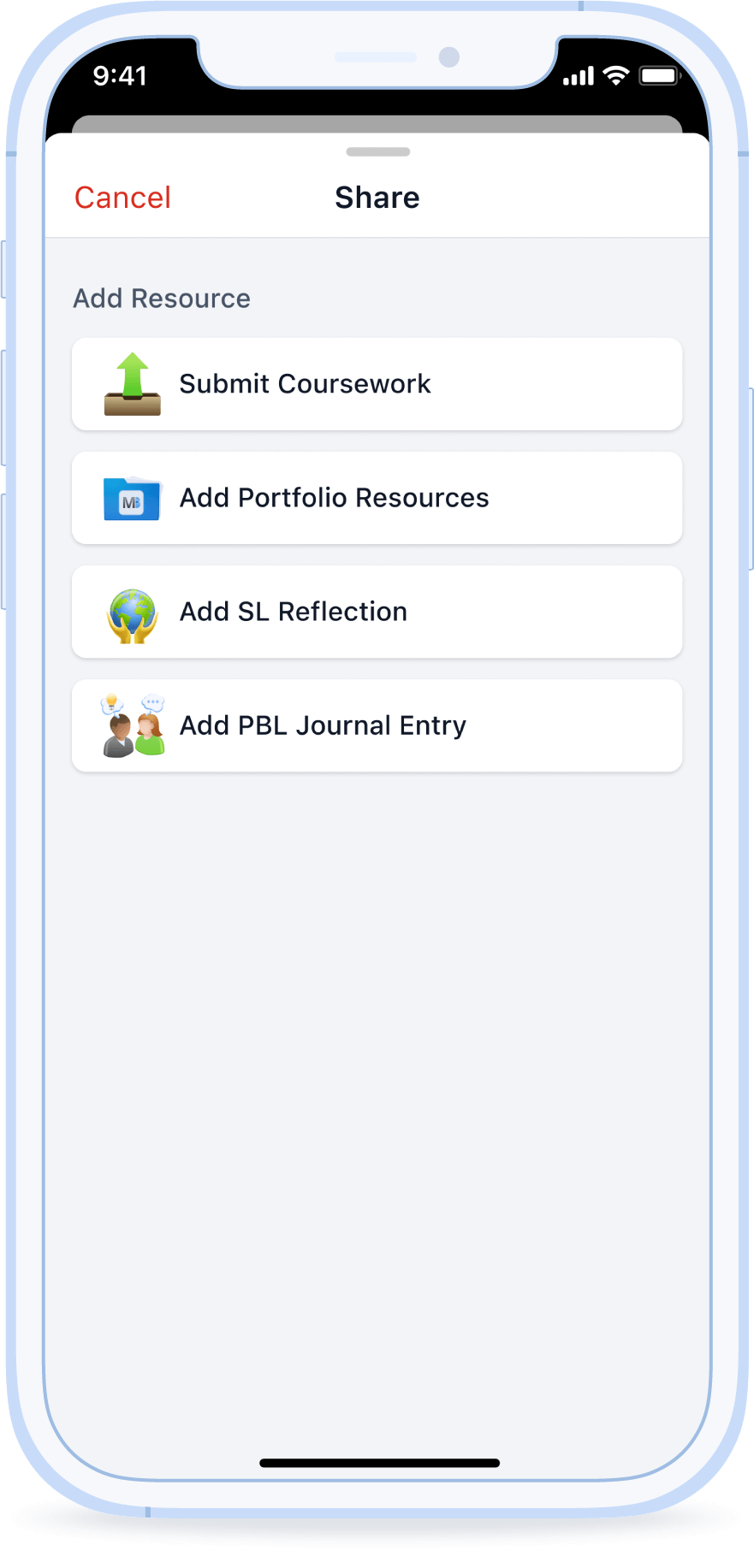
Expanding on our productivity tools, we're introducing a seamless file-sharing feature for iOS users. Whether you're a student submitting assignments or a teacher updating resources, this enhancement allows you to upload files directly to ManageBac from your iPhone or iPad. With support for various cloud services like iCloud, Google Drive, Dropbox, OneDrive, and the Photos app, transferring files becomes effortless.
Like what you see?
If you’re looking for a learning platform that can keep up with you when you’re on the go, ManageBac is for you! Contact our team to discuss how we can support your school.