



With our new menu themes to choose from, you can now personalize your school menu colours to match your school branding.  Blue
Blue
For a fresh and light style that is easy on the eyes.
 Red
Red
Our default menu style for all Atlas schools.
 Orange
For a brighter and more vibrant style.
 Aubergine
For a darker style with greater contrast.
 Navy
Navy
Our longstanding default menu style for ManageBac.
[/et_pb_code]
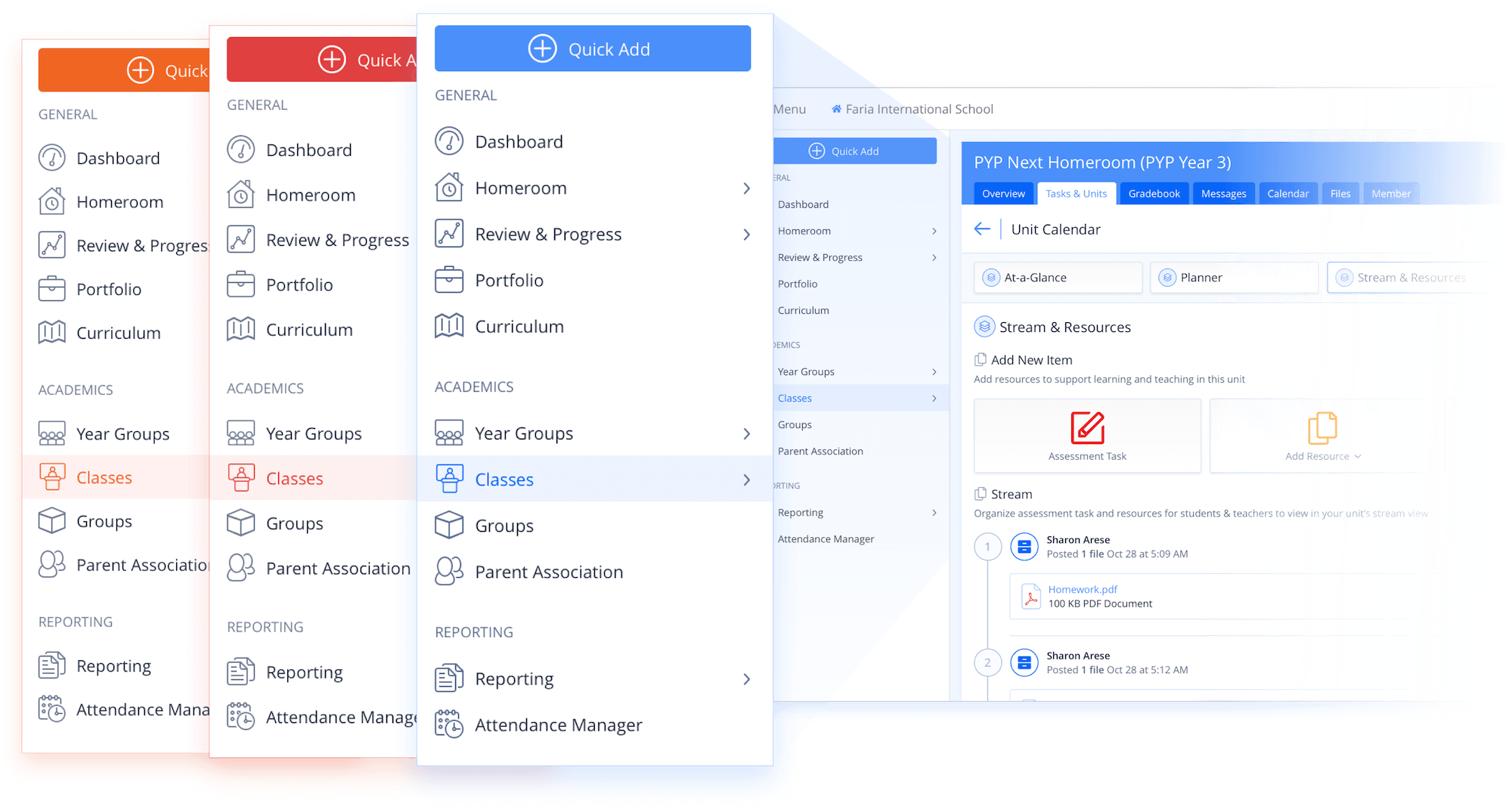
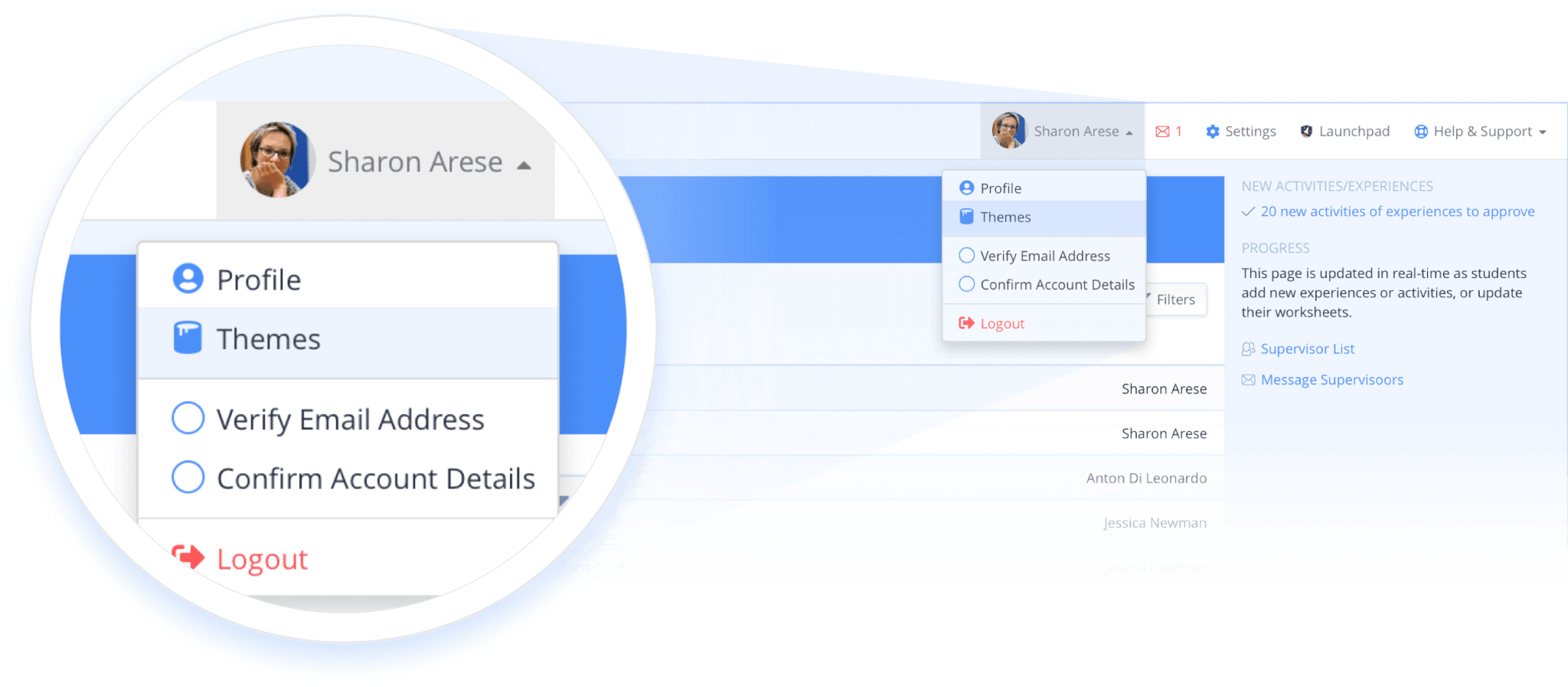
At the school-level within your Settings, you can configure default menu styles, while providing individual users flexibility to choose between their preferred theme style.
Five Menu Theme Styles
[et_pb_code _builder_version="4.4.1" box_shadow_horizontal_tablet="0px" box_shadow_vertical_tablet="0px" box_shadow_blur_tablet="40px" box_shadow_spread_tablet="0px" vertical_offset_tablet="0" horizontal_offset_tablet="0" z_index_tablet="0"]BlueFor a fresh and light style that is easy on the eyes.
RedOur default menu style for all Atlas schools.
OrangeFor a brighter and more vibrant style.
AubergineFor a darker style with greater contrast.
NavyOur longstanding default menu style for ManageBac.